

Download Extra Mic APK – microphone enhancer, audio amplifier, ultra-low latency, music performance, podcasting, live streaming, real-time audio processing, external speakers, Android app
Overview
Extra Mic is a free multimedia tool developed by Extra Chan, designed to enhance microphone performance on Android devices. The app focuses on delivering ultra-low latency audio processing, making it suitable for real-time applications such as music performances, live streaming, podcasting, presentations, and outdoor audio recording. Its primary purpose is to improve audio clarity and responsiveness, enabling users to achieve professional-grade sound output with minimal delay.
The software is specifically tailored for content creators, musicians, and professionals who rely on high-quality, immediate audio feedback during live or recorded sessions. By supporting both internal and external microphones, Extra Mic offers flexibility in audio input sources. It also enables seamless connection to external speakers, enhancing sound output for larger audiences or improved monitoring.
The app is optimized for use in dynamic environments, from casual recordings to high-pressure live events. The developer did not provide additional details about the company background or prior projects. Real-world usage scenarios include on-the-go podcasting, remote presentations with real-time audio, and live musical performances where timing precision is critical.
The app is available exclusively for Android devices and requires Android 10 or higher.
Key Features & Capabilities
- Ultra-low latency audio processing – Ensures real-time responsiveness between sound input and output, critical for live performances and streaming where timing accuracy is essential.
- Support for internal and external microphones – Allows users to switch between built-in and external mics based on their recording environment and quality needs.
- Real-time audio enhancement – Processes audio signals instantly to improve clarity, volume, and overall sound quality without noticeable delay.
- External speaker integration – Enables direct connection to external speakers for amplified sound output, ideal for presentations or outdoor use.
- Simple setup and intuitive interface – Designed for quick configuration, minimizing user effort during time-sensitive situations.
- Free to download and use – No in-app purchases or hidden costs, making it accessible for budget-conscious users and hobbyists.
These capabilities are particularly useful for podcasters who need clean, immediate audio feedback during recording sessions. Musicians can use the app to monitor their performance with minimal delay, reducing the risk of timing errors. Presenters benefit from enhanced audio clarity during virtual meetings or webinars.
Outdoor users can leverage the app’s amplification features to capture clear audio in noisy environments. The real-time processing capability supports live streaming platforms, ensuring a smooth and professional broadcast experience. The app’s lightweight design and efficient architecture allow it to operate effectively on modern Android devices.
User Interface, Workflow & Performance
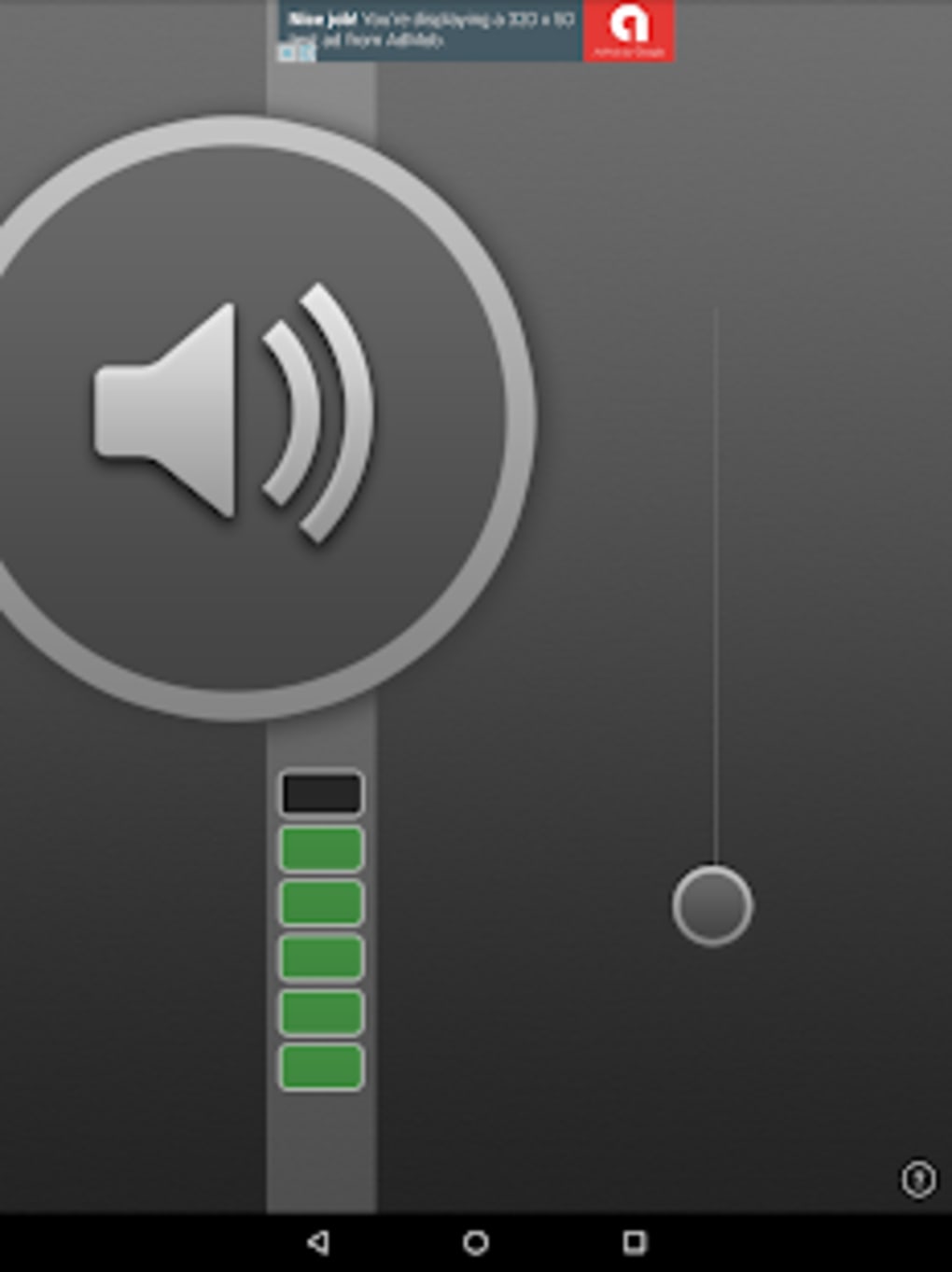
The user interface of Extra Mic is designed for simplicity and efficiency, focusing on essential controls to minimize distractions during active use. Navigation is straightforward, with core functions accessible through a centralized dashboard. Users can quickly select input sources, adjust volume levels, and enable audio enhancement modes with minimal taps.
The workflow is optimized for real-time operation, allowing users to start recording or streaming with minimal setup time. The app does not specify detailed resource usage, so exact CPU or RAM consumption remains unknown. Performance observations are based on general software behavior patterns for mobile audio applications.
The developer did not specify resource usage details, and no information was provided about background processes or stability under prolonged use. However, the app’s lightweight size of 15.2 MB suggests efficient memory management. Battery consumption is noted as potentially high during extended sessions, which may affect long-duration recordings or live streams.
Users are advised to monitor battery levels when using the app continuously. The app’s responsiveness aligns with its stated ultra-low latency goal, though actual performance may vary depending on device hardware and system load.
Compatibility & System Requirements
Extra Mic is available exclusively for Android devices. The app requires Android 10 or higher for proper operation. The latest version is 1.0, released on April 5, 2025.
The installation file size is 15.2 MB. The developer did not provide additional system requirements, including minimum RAM, processor specifications, or storage space. Compatibility information was partially provided, with no mention of device models, chipset support, or GPU requirements.
The app is not available for iOS, Windows, or Mac platforms. Users should verify that their device meets the Android 10+ requirement before installation. The app’s compatibility with older Android versions or specific device manufacturers was not confirmed.
The developer did not disclose whether the app supports multi-core audio processing or advanced audio APIs. Further testing on various devices may be necessary to determine full compatibility.
Pros and Cons
Pros
- Free to download and use with no in-app purchases
- Ultra-low latency ideal for live performances and streaming
- Supports both internal and external microphones
- Simple setup and intuitive interface
- Enhances audio clarity for podcasting and presentations
- Compatible with external speakers for amplified output
Cons
- Potential battery drain during extended use
- Not available for iOS, Windows, or Mac platforms
- Compatibility limited to Android 10 or higher
- Exact system requirements not specified
- Performance may vary across different Android devices
FAQ Section
Is Extra Mic available for iOS devices?
Currently, Extra Mic is only available for Android devices. There is no official version for iOS.
Does Extra Mic require an internet connection to function?
Extra Mic can operate offline. It processes audio locally on the device, making it suitable for use in environments without internet access.
Is the app safe to download and install?
Extra Mic is a free app developed by Extra Chan. It is available through official Android channels. Users should ensure they download from trusted sources to avoid modified versions.
How often are updates released?
The latest version is 1.0, released on April 5, 2025. No information was provided about future update frequency.
What type of license does Extra Mic use?
Extra Mic is free to download and use with no in-app purchases. The app operates under a freemium model with no premium tiers currently available.
Final Thoughts + CTA
Extra Mic stands out as a focused, efficient tool for Android users seeking to enhance microphone performance with minimal delay. Its ultra-low latency technology, combined with support for both internal and external microphones, makes it a valuable asset for musicians, podcasters, and content creators. The app’s simple interface and real-time audio processing capabilities streamline workflows, especially in live or time-sensitive scenarios.
While battery consumption may increase during prolonged use, the benefits outweigh the trade-offs for most users. The lack of system requirement details and platform exclusivity are notable limitations. However, for Android users on Android 10 or higher, this app delivers a reliable audio amplification solution.
If you're looking to improve your on-the-go audio quality, especially for live streaming or professional recordings, Extra Mic is a strong contender. Download Extra Mic now.






.png)
